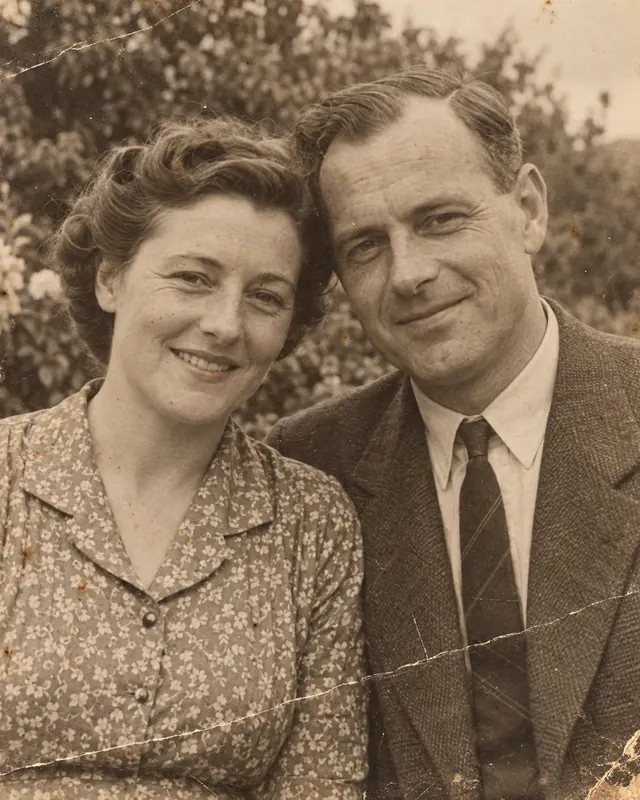
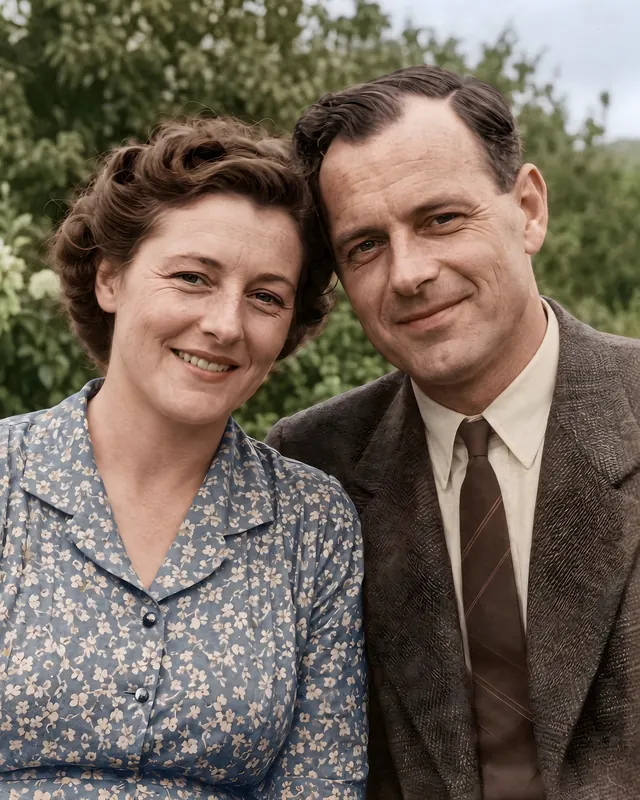
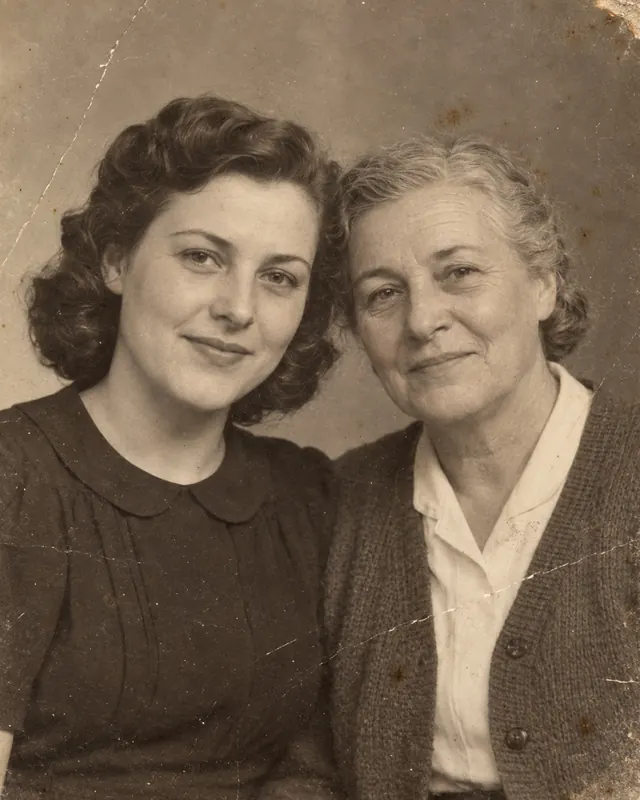
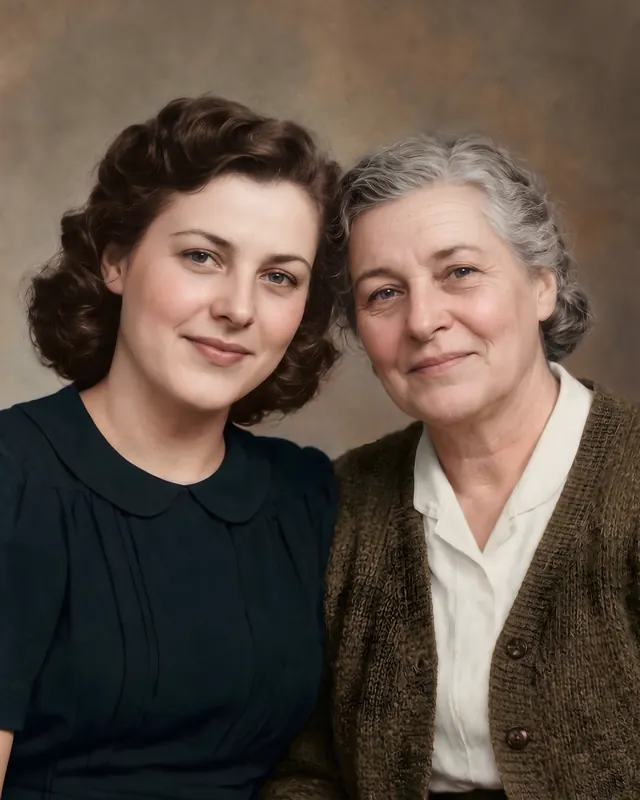
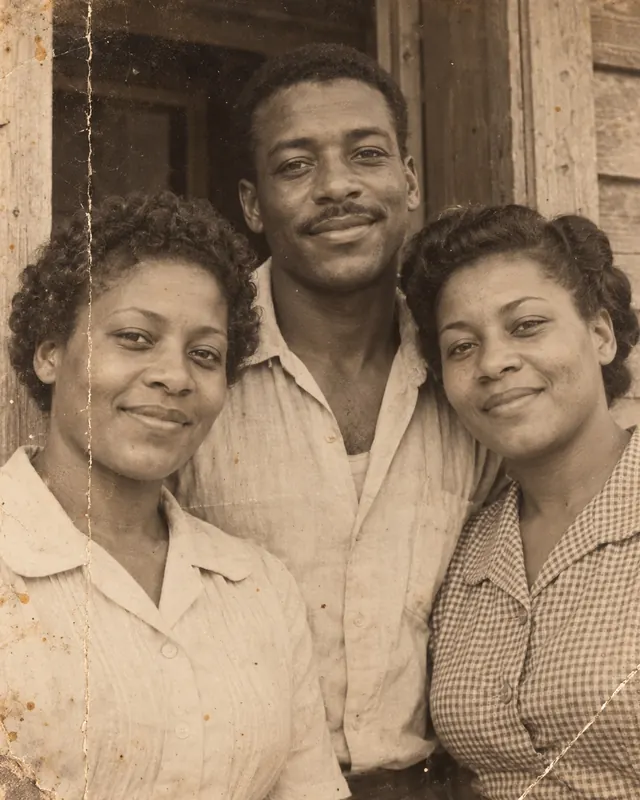
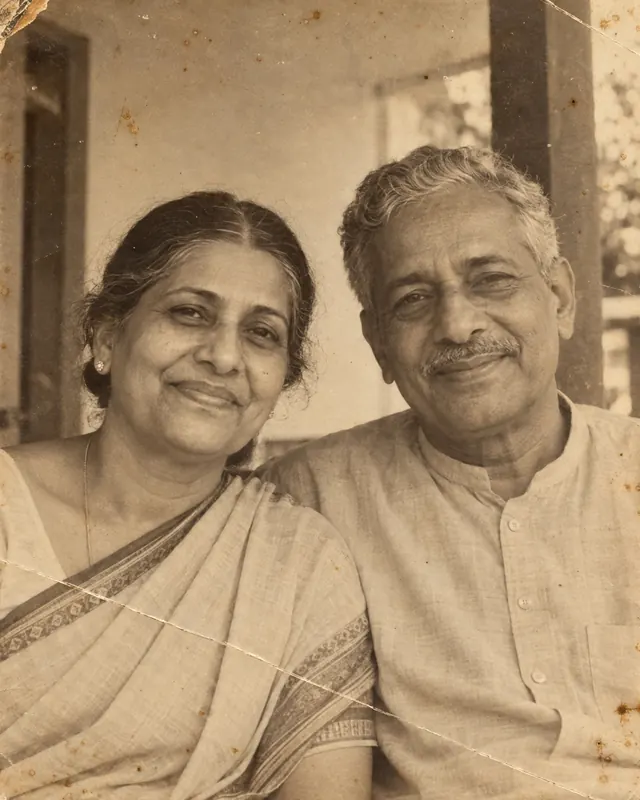
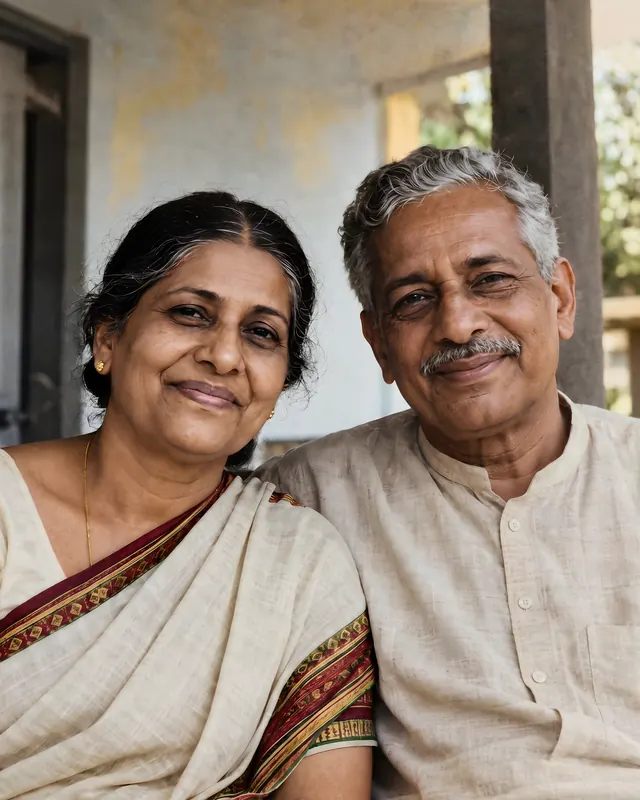
Repair scratches, tears and fading, restore faces so they still look like them, and add color if you want it.
Coming soon to Google Play
The first 3 restorations are free, with no card and no sign-up.
Before
AfterAI-restored
No card for the first 3 restorations
Credits never expire
Uploads deleted after processing
Before and after
See what a restoration does
Each pair is an original and its restoration, made the way the app restores photos. Every restored image is labeled AI-restored.
Before
AfterAI-restored
Before
AfterAI-restored
Before
AfterAI-restored
Before
AfterAI-restored
The people in these examples are fictional. The photos were generated for illustration and are not customer photos.
How it works
Three steps
1
Choose a photo
Pick one or several from your gallery, or scan a print with your camera. The app sees only the photos you pick.
2
Restore
One tap repairs the damage, restores the faces and enlarges the photo. Colorizing is your choice.
3
Check and save
Slide between before and after, decide how much the faces change, then save it to your gallery or share it.
Restore
Restore
One tap, the whole photo
Restore repairs scratches, tears, creases, stains and fading, restores faces and enlarges the photo. If you want only one change, Colorize and Repair scratches do just that.
Colorizing a black and white photo is a choice.
One credit is one restoration.
A restoration that fails is returned to you automatically.
Faces
Faces that still look like them
A Faithful ↔ Enhanced slider decides how much the faces change, and a strip of every face lets you compare each one before and after, up close.
Moving the slider is instant and costs nothing.
Compare the faces one by one.
The saved file says an AI changed it.
Scan
Scan a print, or a whole album page
Photograph a print and the app finds its edges and straightens it. On an album page it finds each print and crops it separately.
Short tips help you avoid glare on glossy prints.
Review the crops and move, remove or add one.
No camera permission is needed to scan.
Pricing
Honest pricing
You always see what a restoration costs before it starts. Google Play shows the prices in your currency.
3 free restorations
No card, no sign-up. You see your first result in full before anything is asked of you.
Credit packs
Packs of 10, 30 or 100 credits that never expire.
An optional plan
40 restorations a month for people restoring whole albums, monthly or yearly. Cancel in Google Play whenever you like.
An optional ad
After your free restorations, you can watch an ad for one restoration at standard quality, up to twice a day.
No weekly plans. No trials that turn into subscriptions.
Privacy
Your family photos stay yours
We promise:
Your photos stay on your phone. A photo goes to our server only to be restored, and briefly again to make the file you save or share.
We delete your upload as soon as it has been processed. The one exception is a result you report; the policy explains it.
That is the aim. Faces are restored faithfully by default. The Faithful ↔ Enhanced slider lets you decide how much they change, and you can compare every face before and after.
Are my photos kept?
Not on our side, with one exception: an image you report is kept for review (see the privacy policy). A photo goes to our server only to be restored, and briefly again to make the file you save or share, and we delete what is sent as soon as it has been used. Your restorations stay in History on your phone, and you can delete them any time.
How do I know a photo was changed by AI?
The app labels restorations AI-restored. Saved files carry metadata that says an AI modified them, and nothing is drawn on your photo.
Who is the app for?
Adults. You confirm that you are 18 or older when you start.
Which languages does it speak?
English, German, French, Spanish, Italian and Dutch, in the app and on this website.
Give an old photo a second life.
Coming soon to Google Play
For Android phones and tablets, Android 9 and newer.